A better focus rhythm for Mac

Focus fully.
Step away completely.

It keeps time quietly while you work—and seriously asks you to leave the screen when it is time to rest.
Protect every focus session and the recovery time that too often gets skipped.

v1.1.0Requires macOS 14+Just 3.5 MB
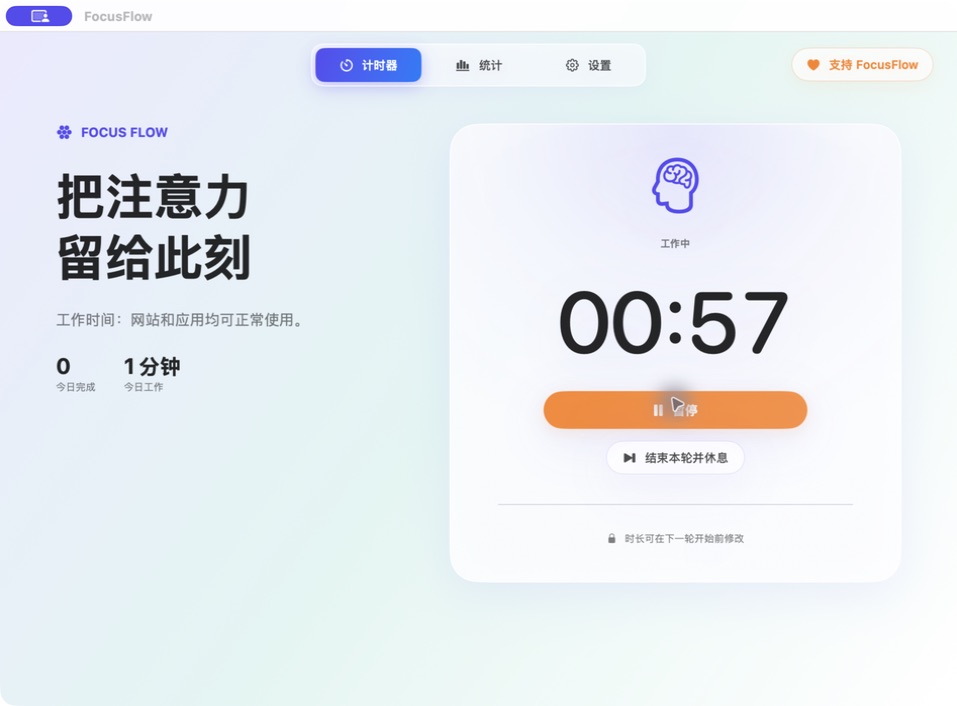
Focus session · keep using your apps
The FocusFlow work timer interface
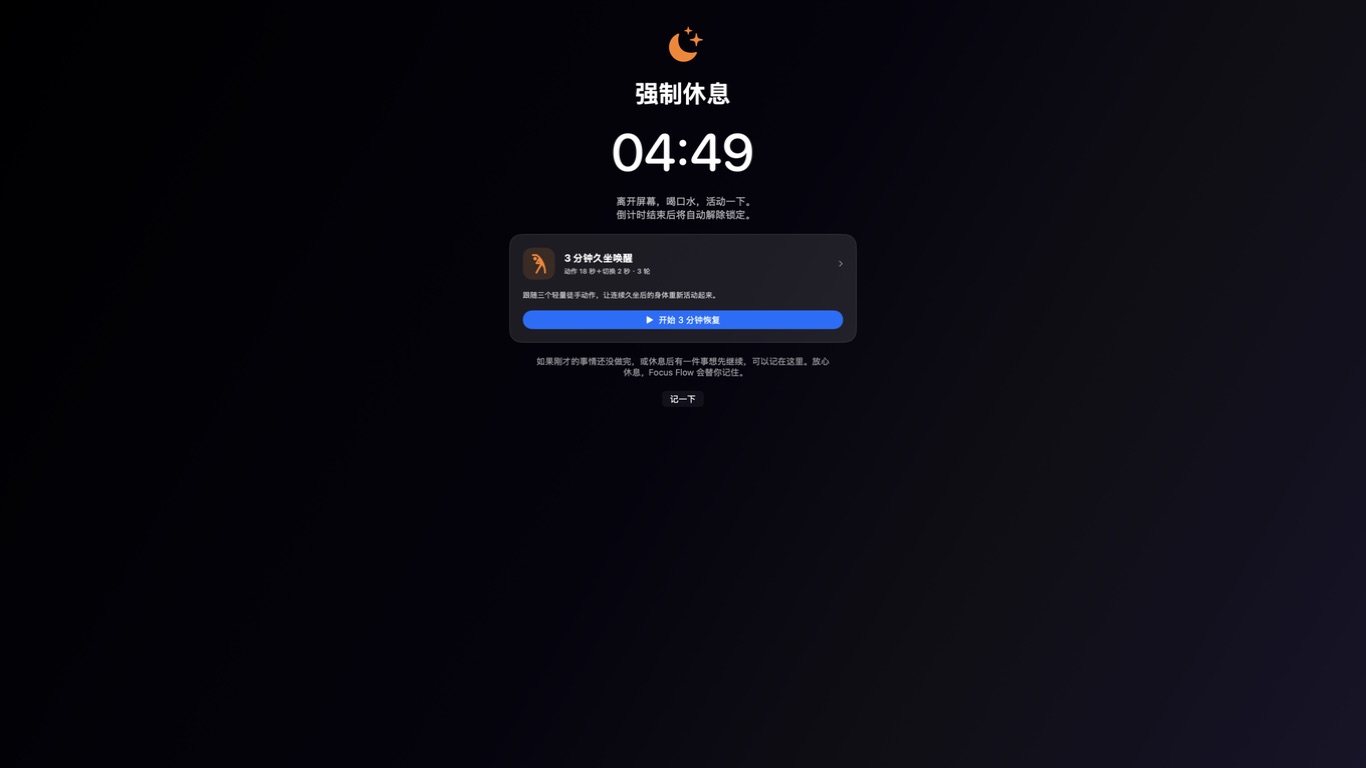
Break session · full screen until time is up

A TIMER SHOULD NOT BECOME ANOTHER SCREEN TO WATCH

A good rhythm means giving work your full attention—
and giving yourself permission to truly stop.

01

When time is up, let your eyes
and mind clock out for a few minutes.

When a break begins, FocusFlow covers every display and hides the Dock and menu bar. You cannot switch apps, pause, skip, or quit before the countdown ends—because recovery should be more than a notification.

  • Every display enters break mode
  • Work resumes automatically when time is up
FocusFlow full-screen break modeReal full-screen break
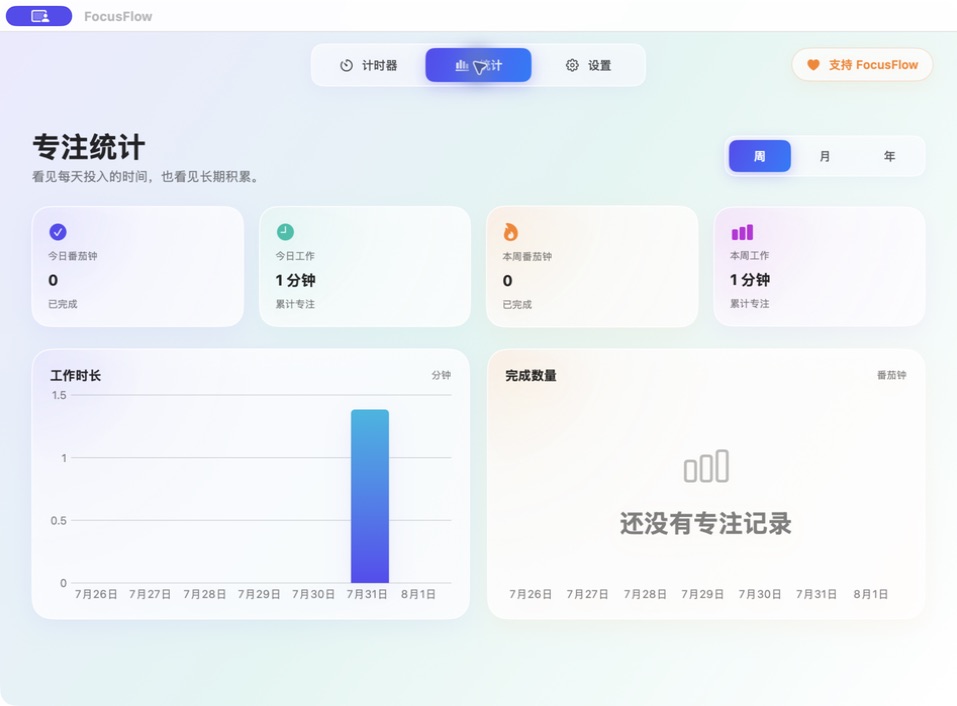
FocusFlow focus statisticsReal focus statistics
02

Progress should not rely on memory.
Let your consistency speak for itself.

Focus time and completed sessions are recorded automatically. Review weekly, monthly, and yearly trends to see not only what you did today, but how time steadily turns into results.

  • Weekly, monthly, and yearly views
  • Stored locally—no account required
03

Save where you left off.
Return ready to continue.

Before a break, tap “Make a note” to leave your current thought in place. When the countdown ends, FocusFlow reminds you where you stopped, so a short break does not mean rebuilding your context.

  • Save your stopping point in one click
  • Get a next-step reminder after the break
  • Return naturally to the task at hand
FocusFlow work timerBack · keep going
FocusFlow break interfaceBefore the break · make a note
NEW IN v1.1.0

Been sitting awhile?
Give your body a three-minute reset.

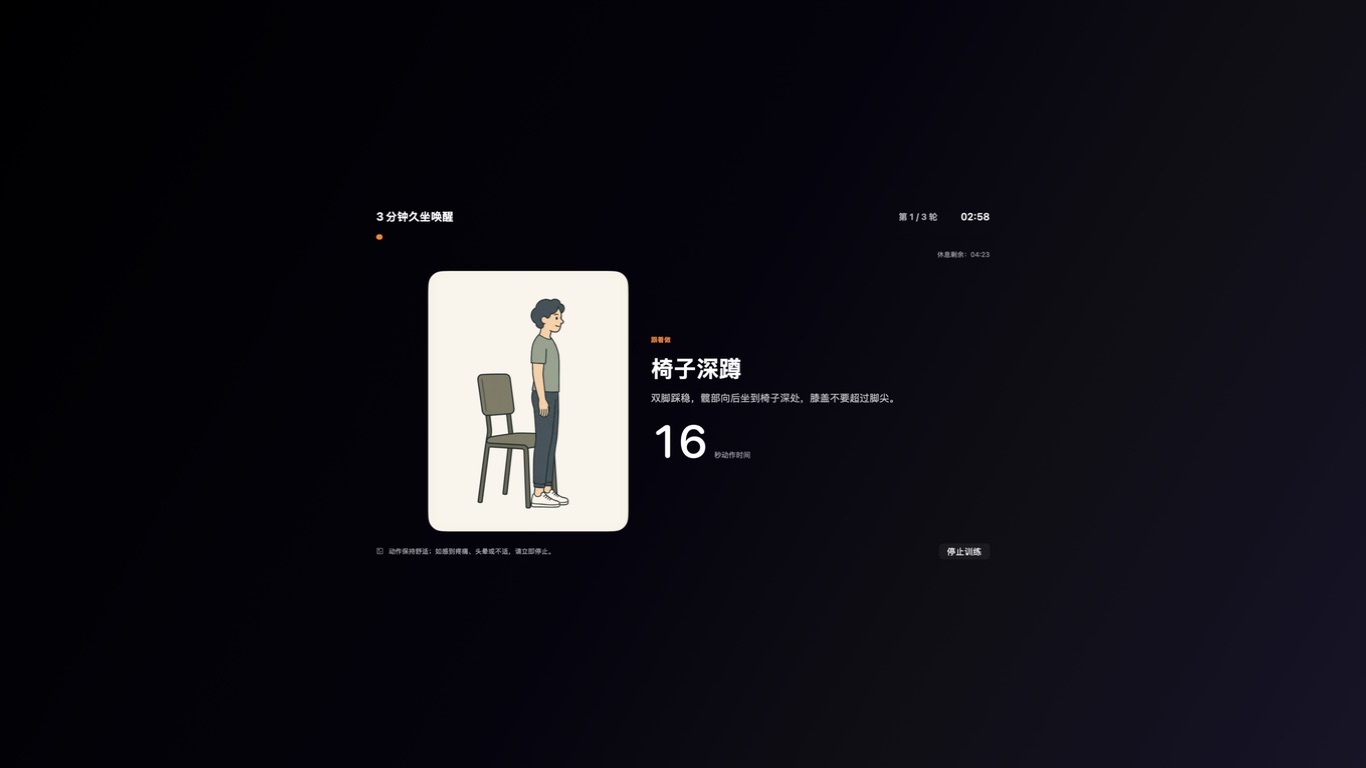
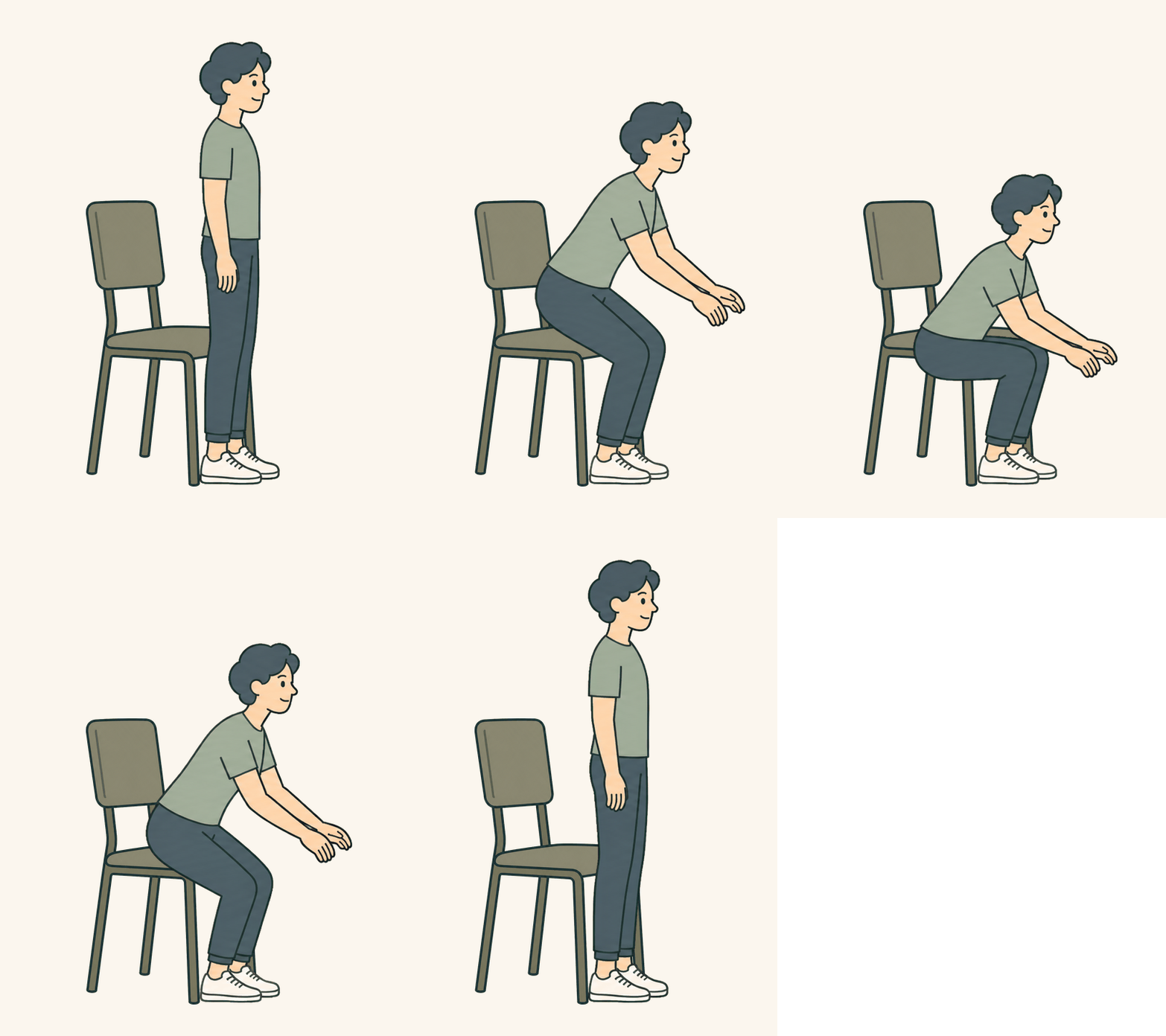
When at least three minutes remain in a break, follow three gentle bodyweight movements. Each movement lasts 18 seconds, with 2 seconds to switch, repeated for three rounds—a complete 180-second session. A similar evening activity protocol was associated with longer sleep that night in a randomized crossover study.

FocusFlow three-minute movement session
Real guided sessionMovement cues, interval timing, and remaining break time—all in one view
Chair squat demonstration
01Chair squatsWake up your hips and legs
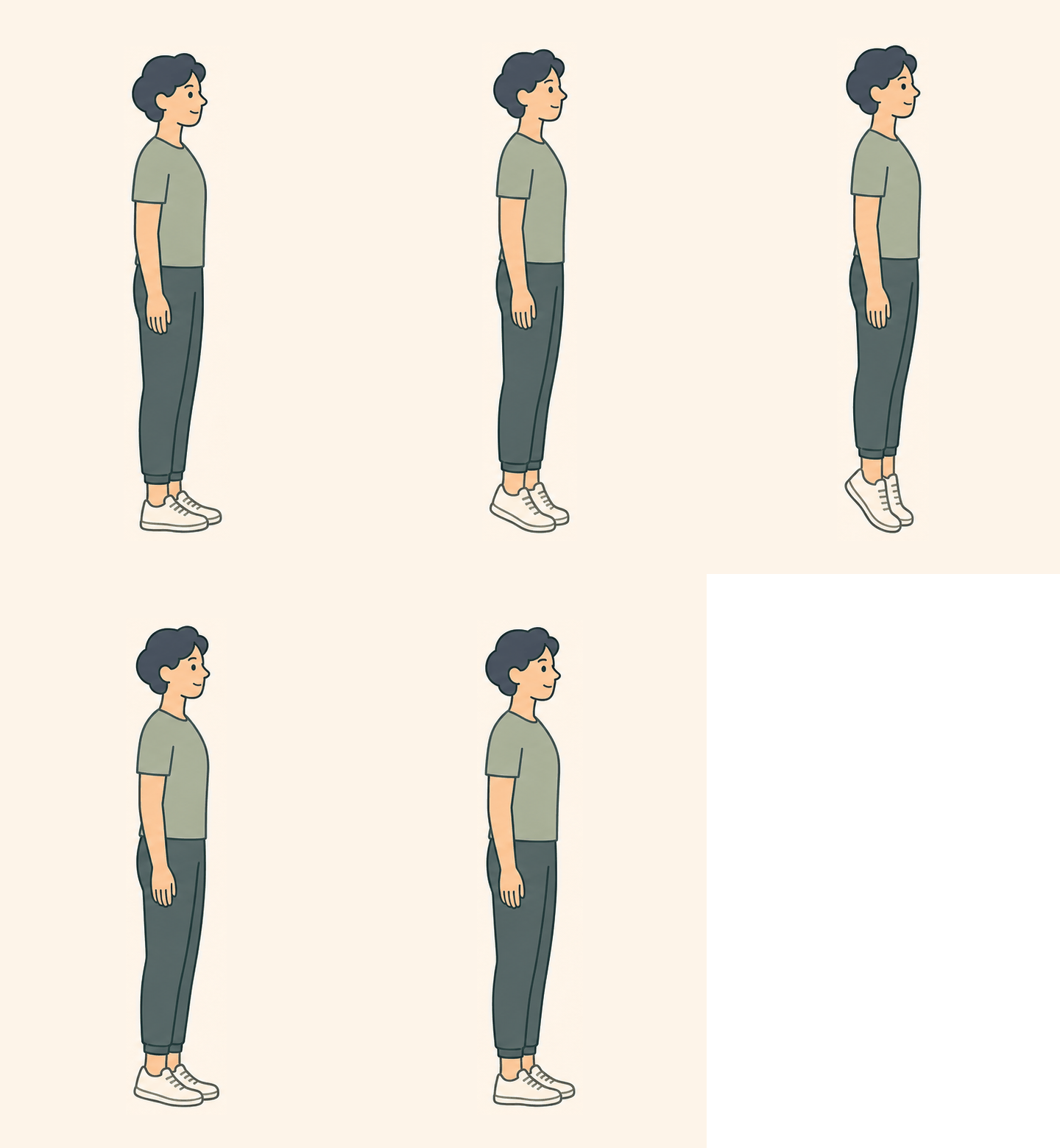
Calf raise demonstration
02Calf raisesGently activate your lower legs
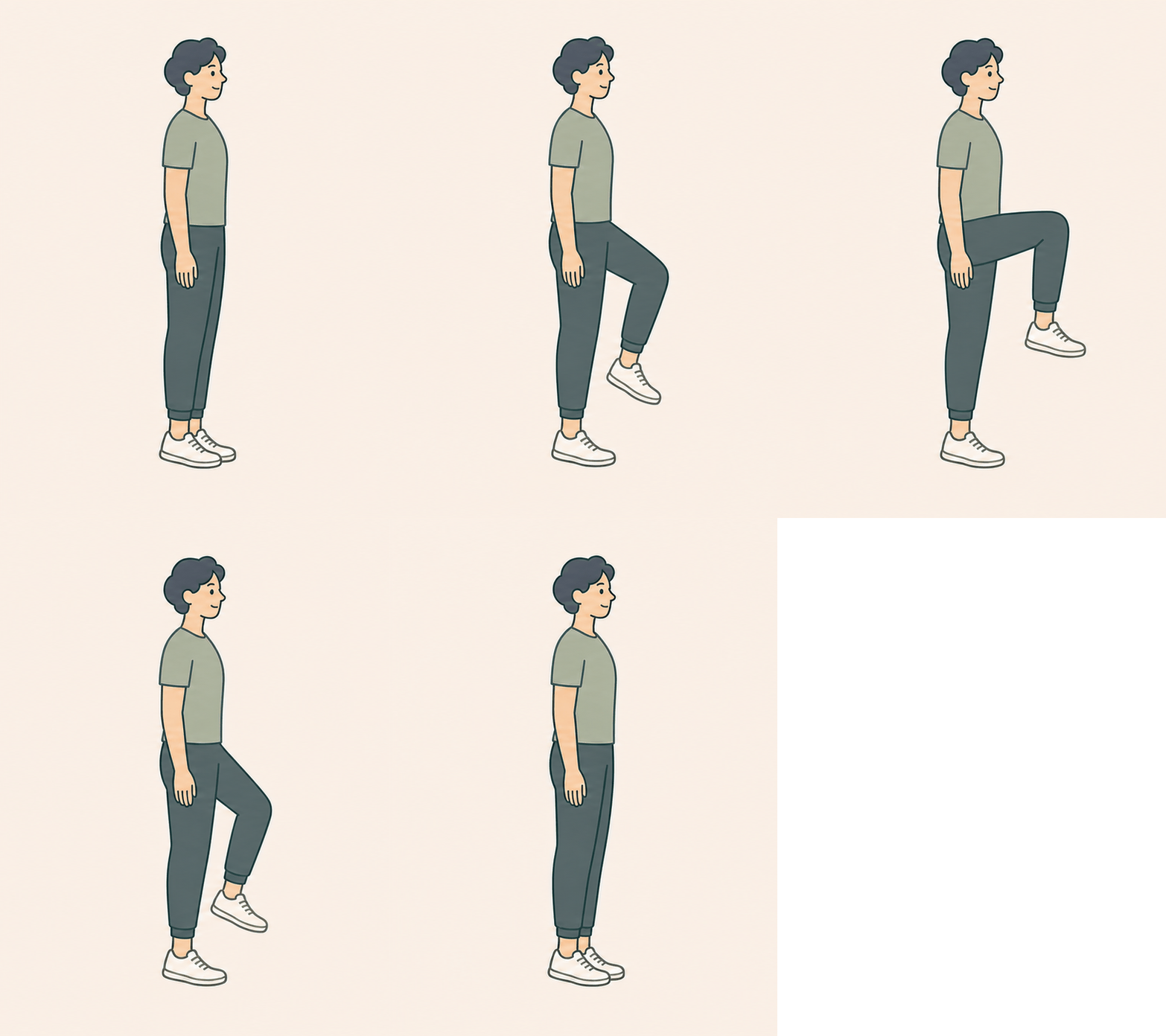
Standing knee raise demonstration
03Standing knee raisesBring your whole body back online
18s move2s switch3 roundsExactly 3:00
WHY 3 MINUTES?

Three minutes is not a gimmick.
It is an evening rhythm studied in the lab.

The study protocol closely resembles FocusFlow: chair squats, calf raises, and standing knee raises, performed for 20 seconds each over three rounds—a total of three minutes. Compared with uninterrupted evening sitting, regular activity breaks were associated with longer sleep that night.

+27.7 minutesof actual sleep that night

In a randomized crossover trial with 28 healthy adults, three-minute bodyweight activity breaks every 30 minutes in the evening increased sleep period time by an average of 27.7 minutes compared with prolonged sitting.

View the study · BMJ Open Sport & Exercise Medicine ↗
No sleep disruptionother sleep measures were not harmed

The study found no significant worsening in sleep efficiency, wake time after sleep onset, or nighttime awakenings, and no change in physical activity during the following 24–48 hours.

Read the open-access article ↗

These findings come from a short-term study of 28 healthy adults. They suggest potential benefits but do not establish long-term causality. FocusFlow is not a medical tool, and outcomes may vary with timing, frequency, and individual circumstances.
FocusFlow app icon YOUR NEXT FOCUS SESSION STARTS HERE

Let FocusFlow protect the rhythm.
Keep your attention on the moment.

Free to download, with no account required. Your statistics and settings stay on your Mac.

Download FocusFlowv1.1.0 · Requires macOS 14+
✓ Built with SwiftUI✓ Data stored locally✓ Available in 7 languages